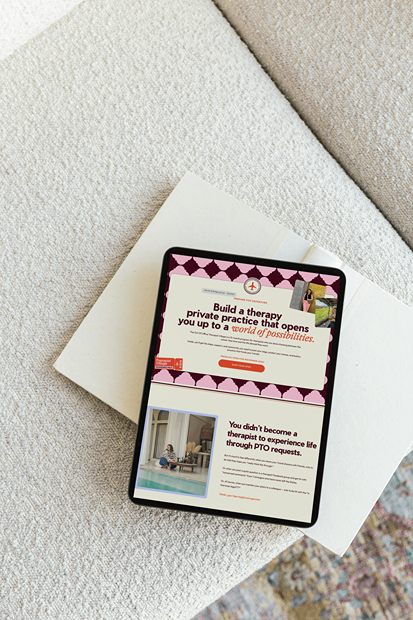
As the first page *most of* your readers see, so it’s Your Moment™, it’s no wonder that you want to learn how to write your website’s homepage. It needs to make your reader interested and encourage them to click through to any other page on your website – typically, they’ll go to About, Services, or your blog from here.
Before you can write your website’s homepage, though – you need to know a few things about your audience.
Specifically:
- What problem or roadblock are they facing?
- How is that problem REALLY affecting them? (How do they feel about it, or view it?)
- What do they want the solution to look like?
- What would having that solution mean for them?
- What do they want in a guide (the person who helps them with that change)?
Your homepage is the ice cream sample spoon of your website: it lets people know what their options are, gives them a taste of what each one could bring them, and helps them pick a flavor they’re excited to commit to.
I said what I said.
You need to give an overview of everything you have to offer and what they could have if they booked or bought it, enough context so they understand why they need it, and you need to frame it in THEIR words.
Here’s how to do it, from the top of your homepage down to the bottom. (You can also stop by this post for everything you need to actually create your website, once you’ve written it)
How To Write Your Homepage Headline
WHAT IT IS:
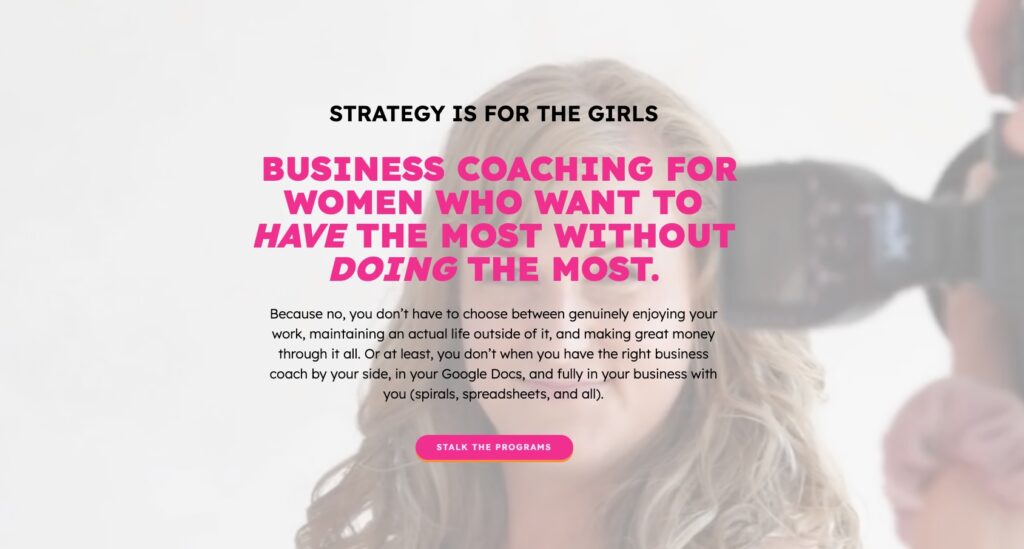
I personally view your “homepage headline” as all of the copy in the very top section of your homepage (some people call this the Hero section) – I don’t care if you have a huge heading alone or some body copy with it, but your homepage headline NEEDS to tell readers:
- What you do (in terms of the results or change you facilitate)
- Who you do it for
- Why they should care
HOW TO DO IT:
Call out (or call in) your ideal clients and tell them what they need to hear to want to stay on your website.
BONUS TIPS:
- I also recommend adding a button to your services page to this section!
- If you’re optimizing your homepage for a keyword, you’ll also want to use your keyword in your main heading (H1).

Introduction
WHAT IT IS:
At this point, your reader has taken in your headline and actively decided they want to know (as evidenced by continuing to scroll). Now, you need to prove that they made the right choice.
HOW TO DO IT:
Some people choose to emphasize the struggle your reader is experiencing here (pressing on pain points, “agitation copy,” etc), while others opt to build rapport through writing about concepts your audience can deeply relate to (without directly naming their struggles). Whatever feels best for your brand and voice is the right move!
Ways to Work Together/Services Sampler
WHAT IT IS:
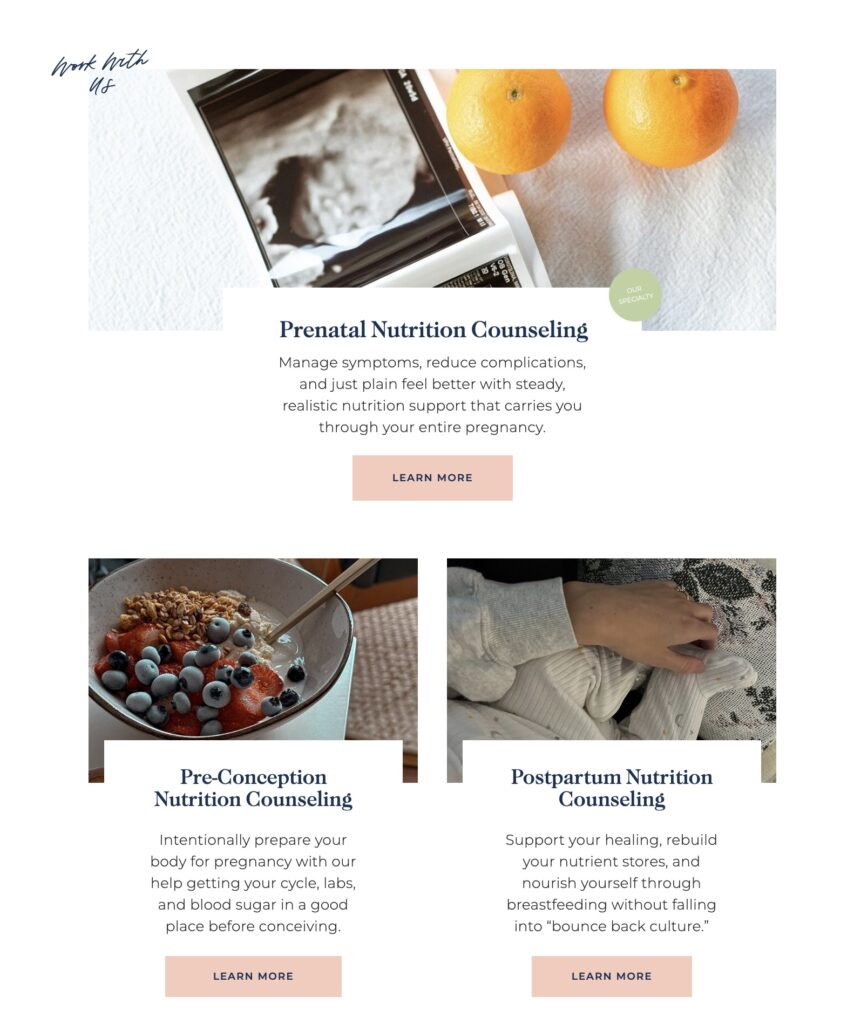
This section gives an overview of the ways your reader can work with you, and gives them the context they need to start exploring the possible best fit for THEM.
HOW TO DO IT:
If you have one signature service, you can extend on the Introduction section & add a button to that services page.
If you have more than one services page, you can include a small section with a description about who it’s best for for each service here, then a button to each respective page.
BONUS TIPS:
- If your services have fun names, make sure to also include a straightforward name (example: my client Mariah has multiple business coaching programs, so we made sure to put the name WITH context – like “The Shift: A 6-month coaching container for postpartum moms trying to survive business growth & the newborn stage at the same time.”
Bite-Sized Bio
WHAT IT IS:
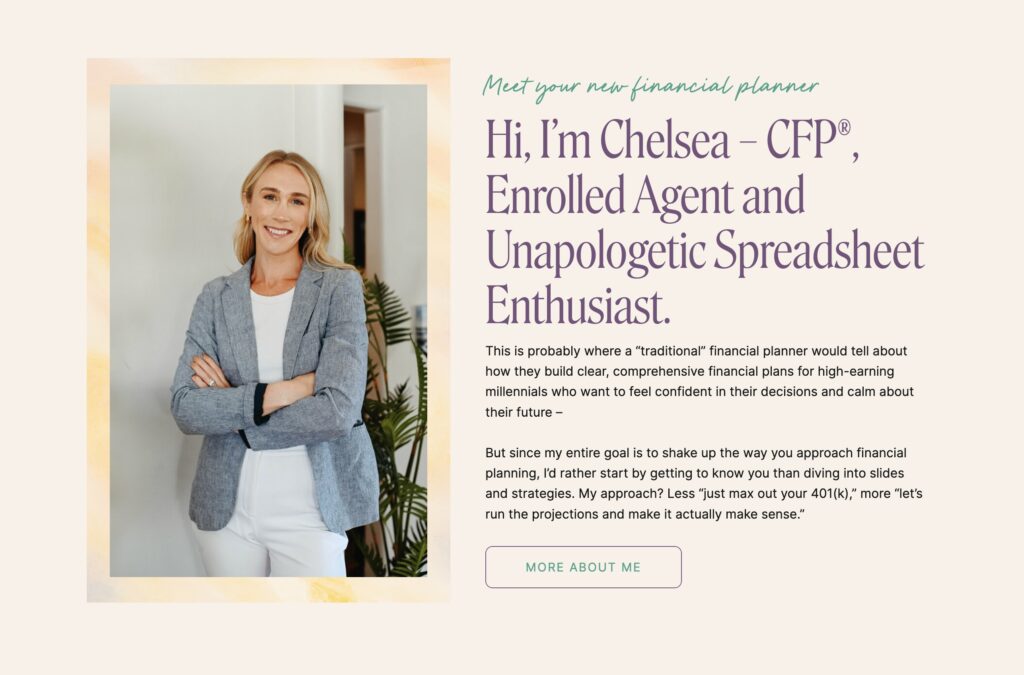
An easy way for readers to get to know you – and more importantly, start to trust you.
HOW TO DO IT:
Full guide here. 🙂
BONUS TIPS:
- Read this archived newsletter about how to do it, with three swipe scripts to help you write the heading for this section
Optional, But Recommended: Social Proof
WHAT IT IS:
Results or quotes that help you prove your expertise and qualifications to your audience in a way they can relate to.
HOW TO DO IT:
If you have client reviews, testimonials, statistics, or features – this is a great place to add them!
BONUS TIPS:
- If you don’t have many reviews, you can split each review up into a few sentences and use some on your homepage, & some on your services page!
- Save your best recommendations (where people overtly say “hire this person!”) for your services page
- Download this free guide to help collect better social proof

Optional: Featured Content
WHAT IT IS:
This is really just an easy way to offer up alternate options for people who are interested in learning more from you, but not ready to invest in services (and to keep them on your website).
HOW TO DO IT:
Link here to your favorite blog posts, logos of places you’ve been featured, or other types of content (if applicable).
BONUS TIPS:
- Consider first questions you often get from clients (like “do I really need to hire a [your job]?” or “what to think about when considering working with [your job]”), and write blog posts for those topics – then link them in this section
- Blog past client results/case studies & link 1-2 of your favorites here
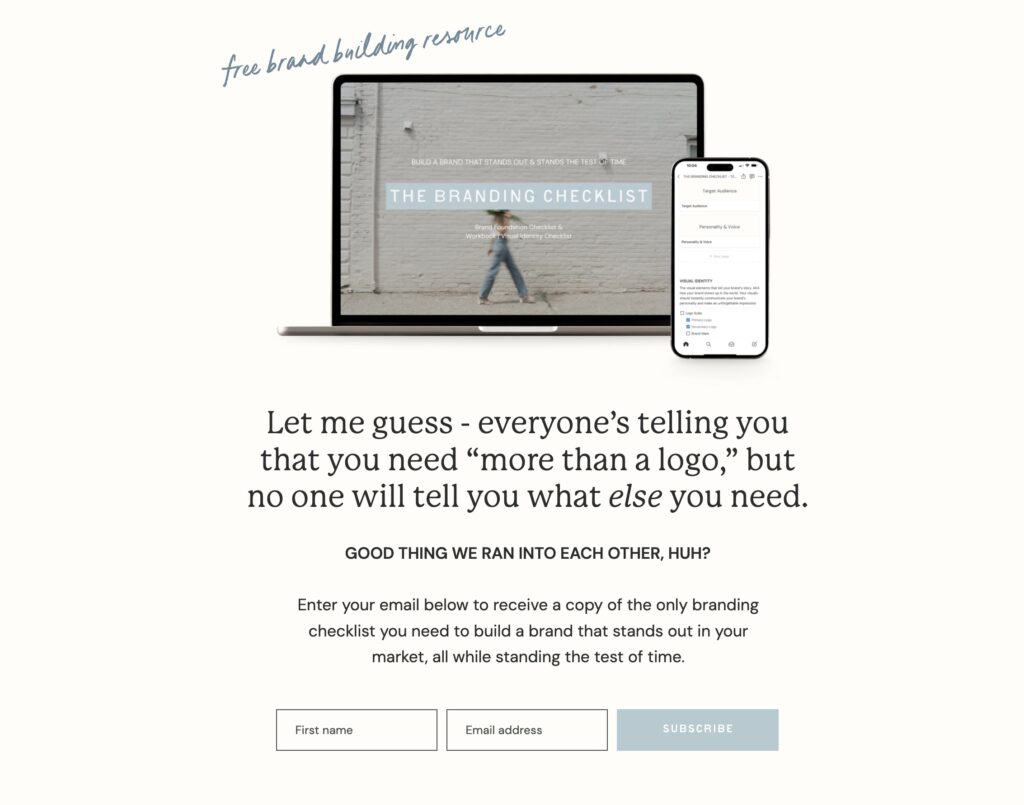
Optional: Opt-In Copy
WHAT IT IS:
Copy that encourages an opt-in to your lead magnet or newsletter.
HOW TO DO IT:
Tell people why they need the thing, what to expect from the thing, and how to get the thing.
BONUS TIPS:
- I recommend embedding your email list form directly into this section (rather than using a button that goes to a landing page) so people can enter their information quickly without losing their place on the page
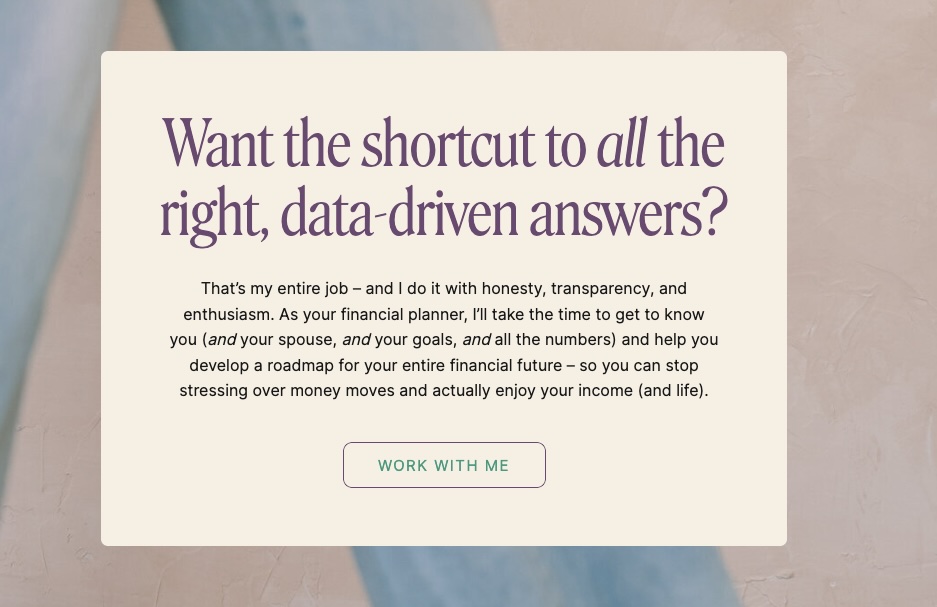
Final Call To Action
WHAT IT IS:
This is where you close the deal on them staying on your site – NEVER end a website page without at least one suggestion of where to go next!
HOW TO DO IT:
End your page on a final call to action to encourage the reader to stay on your website (traditionally, with a button linking to your services page).
And of course, now that you know how to write your website’s homepage, you’ll need to know:
Don’t want to do it alone? Perfect, because you don’t have to!
>> Grab one of my Skip The Stuck!™ website copy templates to help guide your writing and make sure you don’t miss a detail or a section, or…
>> Check out Cook Your Copy, my 4-week done-with-you website copywriting option that gives you complete support as you write your own high-converting, refreshingly relatable copy!